Windows program development covers work the web cannot do: tasks that must access a local disk, device or Office on that computer, and tasks that run overnight without a signed-in user. I build installable programs: Windows application development for everyday work, a Windows service application for tasks without a signed-in user, programs that communicate with devices, and Electron applications when the same screen is needed beyond Windows.
Works when the network fails
The program runs on the computer with local data. There is no per-user monthly fee and no third-party server deciding whether you can work today.
Or an add-in in Excel, Word and Outlook
When the work needs a button in the Office ribbon rather than its own program, that is a separate service with a lower entry price: Office add-in development.
Works without a signed-in user
A service starts with the system and runs without a window: it moves data, monitors folders and reports problems.
What I build
The specification determines which of these is the right fit.
Services and background applications
Windows services and scheduled work that monitor folders, process files, exchange data with APIs, populate databases and send alerts without a user opening a page.
Custom desktop applications
Windows applications for records, invoicing, file processing and work with a database.
Hardware integration
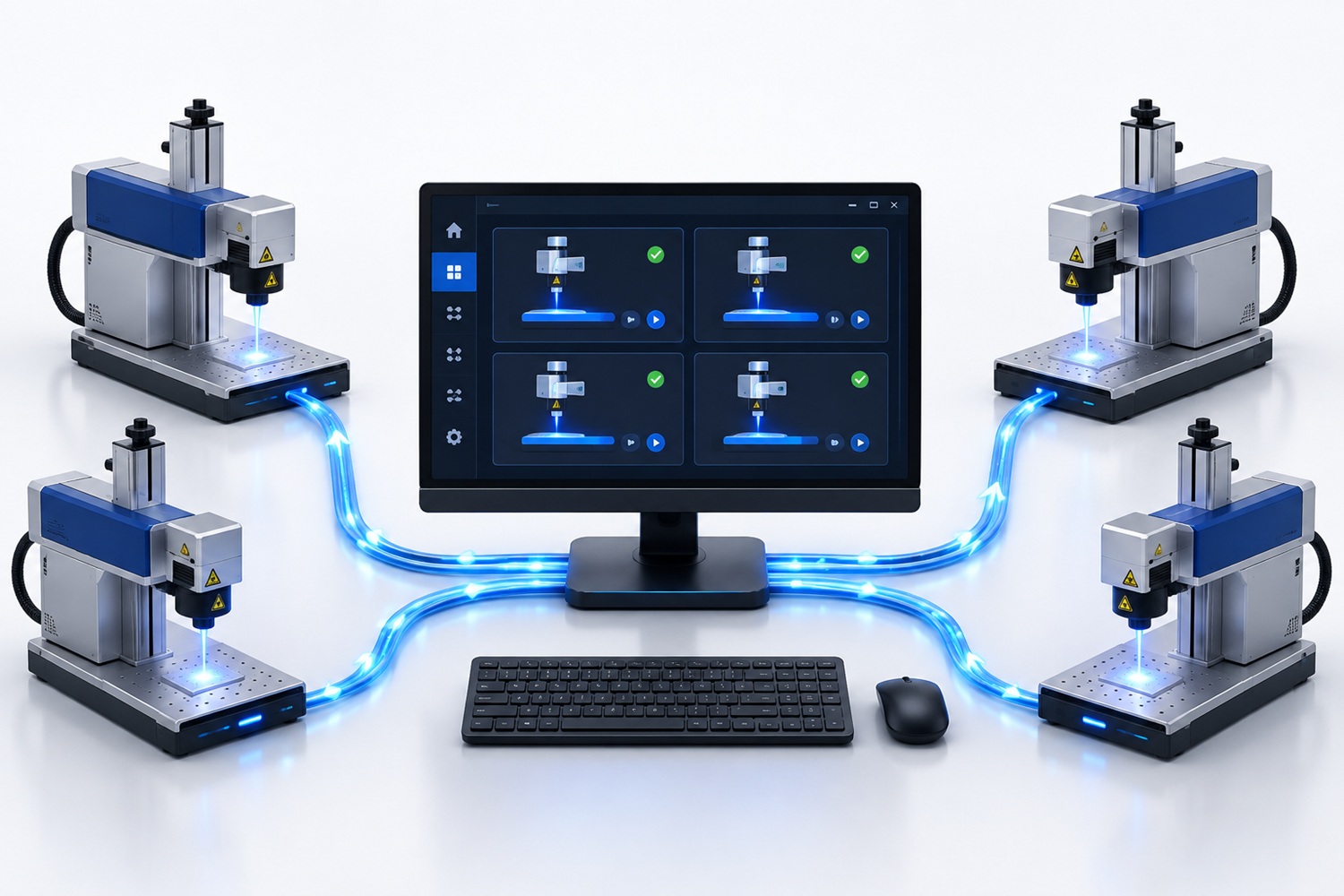
Programs for barcode scanners, EZCAD 3 laser markers, serial ports and external DLL libraries.
Electron applications
Installed applications built with web technologies that can access local files, devices and networks, and can run on Windows, macOS and Linux.
When to choose .NET or Electron
.NET
The default for Windows services, Office add-ins, devices, drivers and external DLL libraries. It has a smaller installation and lower memory use.
Electron
Useful when the user interface is central, the same program must run on Windows and macOS, or code can be shared with an existing website.
An Electron application is not a website. It is installed, does not open in a browser and can access local data. If you need a public website, see website development.
Why an installed program instead of the web
- Local data and devices: folders, network disks, scanners, printers and serial ports.
- Offline work: the job does not stop with the internet connection.
- Office: an add-in is often the shortest path when the work already happens in Excel or Outlook.
- Background jobs: a service runs continuously without a window or signed-in user.
- Cost: no per-user monthly fee or server is necessary.
When you need a complete public website with a predefined scope and fixed price, see the website development packages.
Delivered
This is the largest part of my portfolio, not a preview: Windows programs and tools, Office add-ins for Excel, Word, Outlook and PowerPoint, and device integrations, from records and database applications to sending e-invoices from a spreadsheet and laser markers controlled from software.
Two programs from this work are also available as ready-made products with public prices: the Word-GPT VSTO add-in and the SEF add-in for Excel.

Pricing
Prices are public so you can see the order of magnitude. The exact price and deadline follow a paid specification. See also what is not included.
Custom desktop programming
Excel, Outlook or Word VSTO Add-In
Add-in based on your requirements
- A button, menu or side panel in the agreed program: Excel, Word or Outlook.
- Automation of the agreed work on spreadsheets, documents or messages, without introducing a separate program.
- Reading from and writing to the agreed files, folders or other data source named in the specification.
- Input validation and clear messages when something is missing or invalid.
- An installer for the agreed Windows and Office versions, with brief usage instructions.
A service application or a background job
A program that runs with no window open and nobody signed in.
- A Windows service or a scheduled job, started together with the system.
- Watching a folder and processing files the moment they arrive.
- Exchanging data with someone else's API or another system, on a schedule.
- A record of what it did, and a notice when something gets stuck.
- Installation on the server and instructions for restarting it.
A desktop application built to order
A classic Windows program: data entry, lists and reports.
- Windows for entry and search, with checks that keep wrong data out.
- Working over a local or a network database.
- Reports and export to Excel or PDF.
- Access rights per user, when the work calls for it.
- An installer and the source code.
Integration with hardware or a device
A program that drives the device, not just keeps a record about it.
- Bar-code readers and handheld terminals.
- Laser markers through the EZCAD 3 SDK.
- Devices over a serial port or through the manufacturer's DLL.
- Testing on the real device, not only in a simulation.
- A description of what happens when the device does not answer.
An Electron application
An installed program built from web technologies, for Windows and Mac.
- One codebase, an installer for Windows and one for Mac.
- Access to the disk, the local network and devices, with no server involved.
- A rich display: charts, maps, text editors.
- Automatic updating to a new version, when we agree on it.
- The source code and the script that builds the installer.
What the specification covers and why it comes first.
Smaller changes to an existing program can use hourly work; the complete overview is on the price list.
First step: specification and estimate
I do not quote a fixed price for a program described only as something like Excel but smarter. The specification takes two working days, has a fixed price and produces a written document that remains yours.
- What the program does: screens and actions in language users understand.
- What it connects to: database, API, Office, device or folder.
- Where it is installed: computers, Windows versions and installation rights.
- Stages and estimate: first delivery and later work.
- What is not worth building: existing tools or a report that solve part of the work.
Specification and estimate for a program
A fixed price and a written document that remains yours.
Price 29.900 RSD ($285.54)
Commitments, scope and preparation
What I commit to:
- The price and the deadline are given before the work starts, based on a written specification.
- The source code and the installer stay with you, so somebody else can carry the work on.
- Accounts, keys and certificates are in your name.
- Delivery goes in stages, so after each one you see something that works.
- No hidden parts: there is no library only I can change and no check that shuts the program down.
- If the job can be solved with an existing tool or a single report, I will tell you so.
Not included in the price:
I write this so you understand the price before ordering, not after. Everything on the list is something I can do, but it is agreed and charged separately.
- Licences for Windows, Office and paid third-party components.
- A certificate for digitally signing the installer.
- Devices, readers and markers, along with their SDK or manufacturer licence.
- Work on the database itself: a new schema, query tuning and data migration.
- AI features inside the program, which are a separate service with their own analysis.
- Installation on each individual computer and user training beyond one introductory session.
- Mobile applications for iOS and Android.
Before we start, prepare:
- A description of the job the program is to take over, even if only a few sentences.
- The name of the person who does that job today and may decide how the program should behave.
- Samples of the files, spreadsheets and reports that are worked with.
- The number of computers and the Windows versions, and whether work goes through a remote desktop.
- Access to the device or the other system the program has to talk to, with the manufacturer's documentation.
Clear boundaries
This is not Office add-in development, website development, a complete site from the website development packages, AI integration, an API integration, database design work or ready-made software. Each has its own scope and price. An add-in lives inside Office and costs less, because the installer and the ribbon are not rebuilt; here a program is built that stands on its own.
Ownership and exit
- The source code and installation package are yours.
- Accounts, certificates and keys are in your name.
- There are no hidden components that only I can change.
- The program keeps working if you do not request changes later.
Frequently asked questions
Not sure whether you need software or a website?
Describe who performs the task, what they use today and where it gets stuck. I will tell you whether the solution is a program, Office add-in, background service or something else.
Send an enquiry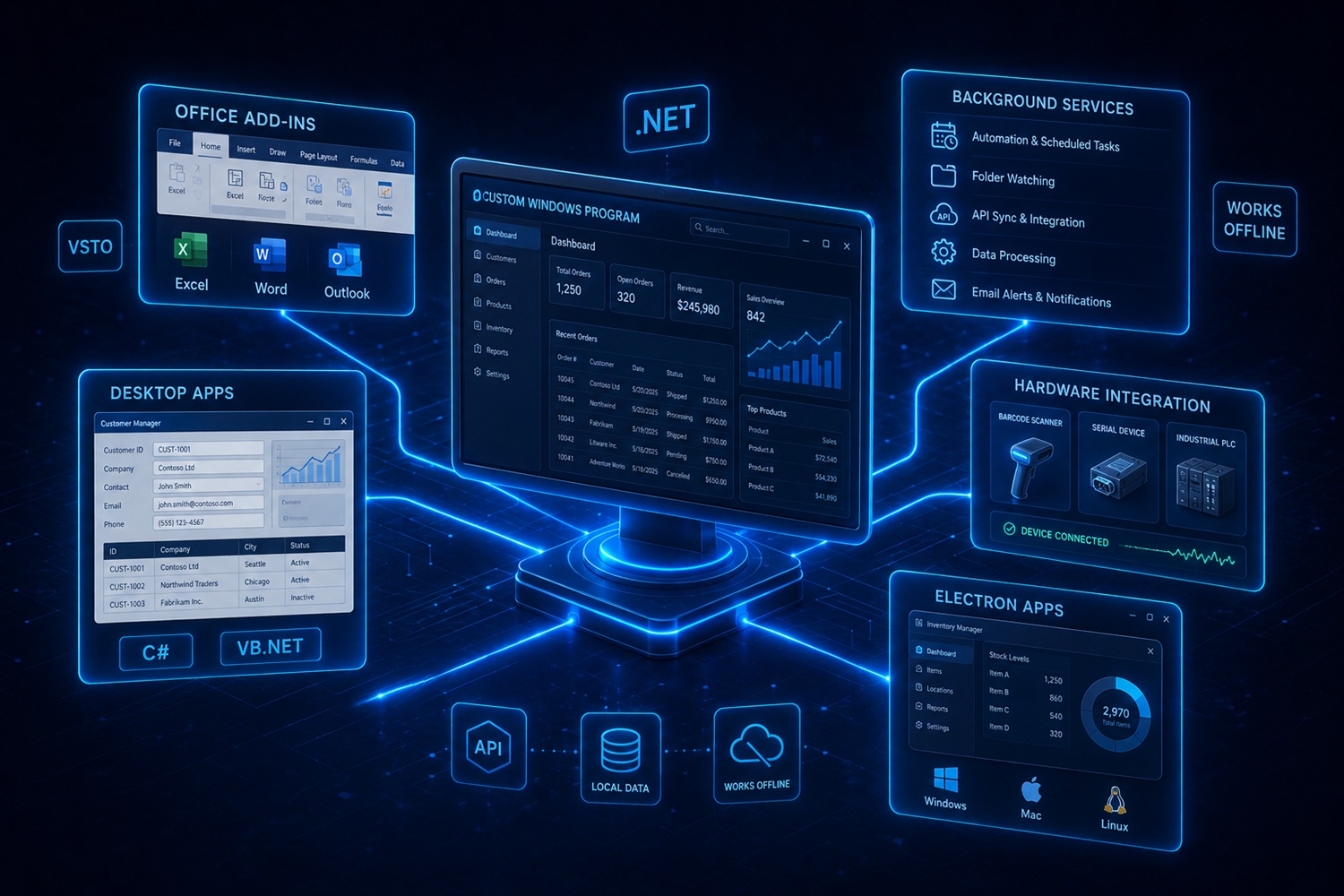
Leave a Comment